
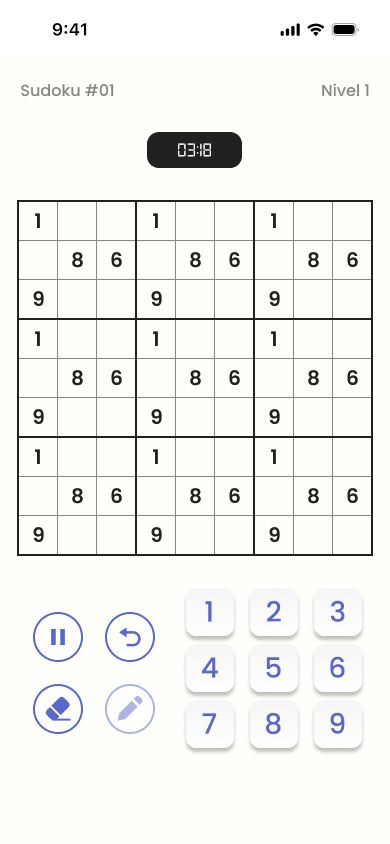
Intuitive controls
Play calmly: pause whenever you need to and continue where you left off.
- Number pad
- Notes
- Eraser
- Undo move
- Pause and continue
Classic Sudoku for Android
Solve sudokus, beat challenges and move up from Basic to Master. A clear, intuitive experience to enjoy logic your way.


Eight difficulty levels, from Basic to Master.
Complete the challenges of each level to unlock the next one.
See your games, your last game and your best time on each level.
Intuitive controls and light and dark themes.
How to play
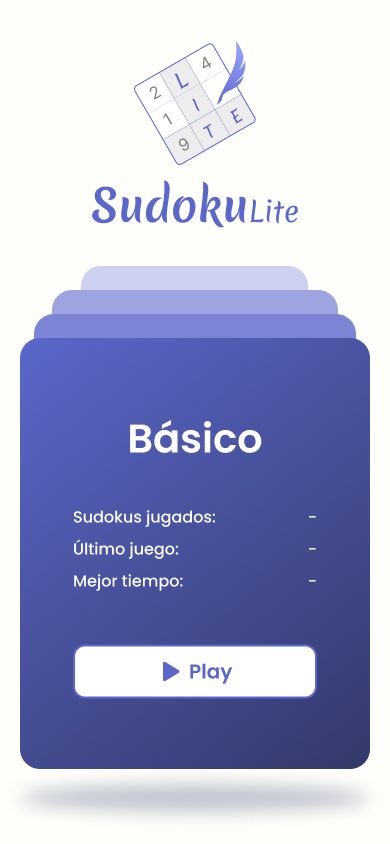
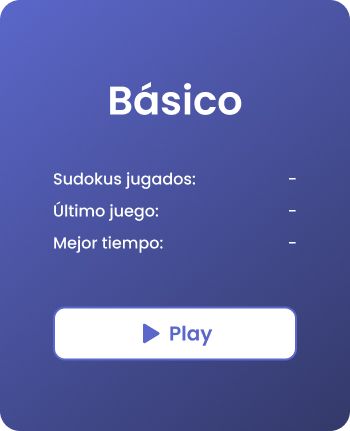
Start at Basic, or keep going on the level you have already unlocked.
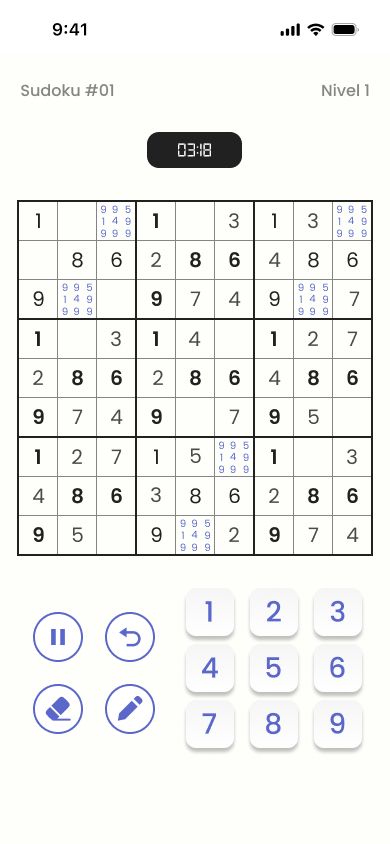
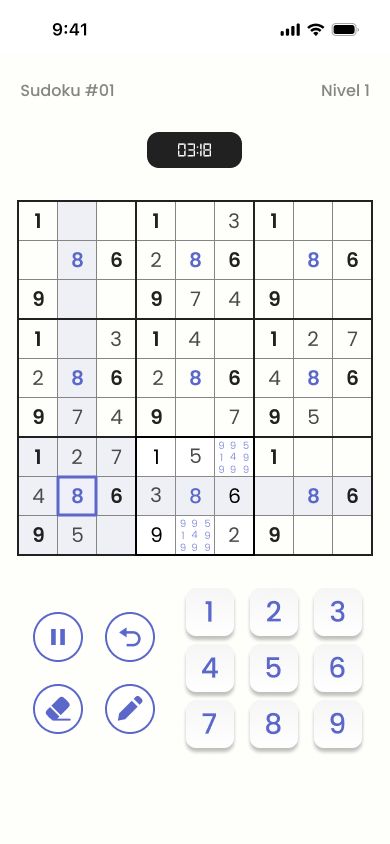
Use the number pad, notes, the eraser and undo to complete each sudoku.
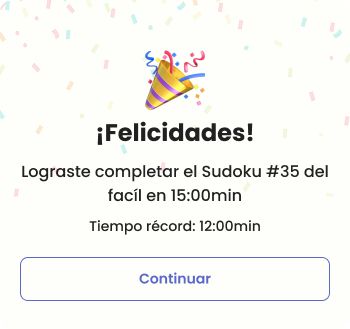
Complete challenges, beat your record time and unlock new levels.
Levels
You start at Basic and unlock each level by beating its challenges. Every level adds difficulty, so your logic grows with you.
Features
Play calmly: pause whenever you need to and continue where you left off.
Each level has its own challenges. Beat them to open the next difficulty level, all the way to Master.
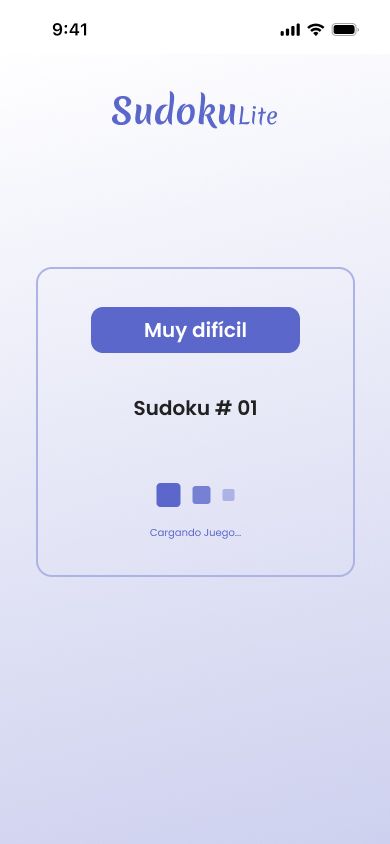
Sudoku Lite records your games so you can see how you improve.
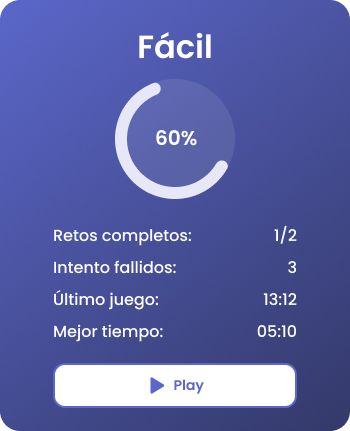

Your next Sudoku challenge is waiting. Start at Basic and play at your own pace.
FAQ
Sudoku Lite is a classic sudoku game for Android with eight difficulty levels and challenges to move from Basic to Master. It offers a clear, intuitive experience, records your games so you can see how you improve, and lets you play at your own pace in a light or dark theme.
It includes eight levels: Basic, Easy, Intermediate, Hard, Very hard, Advanced, Expert and Master. You start at Basic and every level adds difficulty, so you can move up gradually and let your logic grow with you all the way to Master.
By beating the challenges of each level: completing them unlocks the next difficulty level. You start at Basic and can see the status of each challenge, along with your completed challenges and failed attempts, so you know how close you are to moving up.
Yes. You can choose the light or the dark theme to adapt the look of the game to your preferences, and switch it whenever you want. That way you always play with the look you like best and the one that feels most comfortable at any time of day.
You get a number pad to enter numbers, notes to jot down candidates, an eraser to make corrections and undo move to step back. You can also pause whenever you need to and continue your game right where you left off, with no rush.
Sudoku Lite is available for Android on Google Play and on AppGallery, Huawei's app store. It's also coming soon to the App Store. Look for the app in your store or use the download buttons on this page to start playing.
If you have a question, a problem with the game or a suggestion, we'd like to hear it. Tell us what's happening and, if you can, include your device model and Android version so we can help you better. Write to us at contacto@playsudokulite.com.